How to Recycle Old Phones, Chargers and Other Small Electronics
How to recycle old phones, chargers and cables: wiping your data first, handling batteries safely, and where take-back, trade-in and drop-off schemes fit.
- Published
- Journey
- 5 min
- Covered here
- 6 sections
- Route
- Tech
Covered here
- Why the household bin is the wrong place
- Step 1: get your data off and the device clear
- Step 2: handle batteries with care
- Step 3: choose a route
- Cables, chargers and the odd box of parts
- Common questions
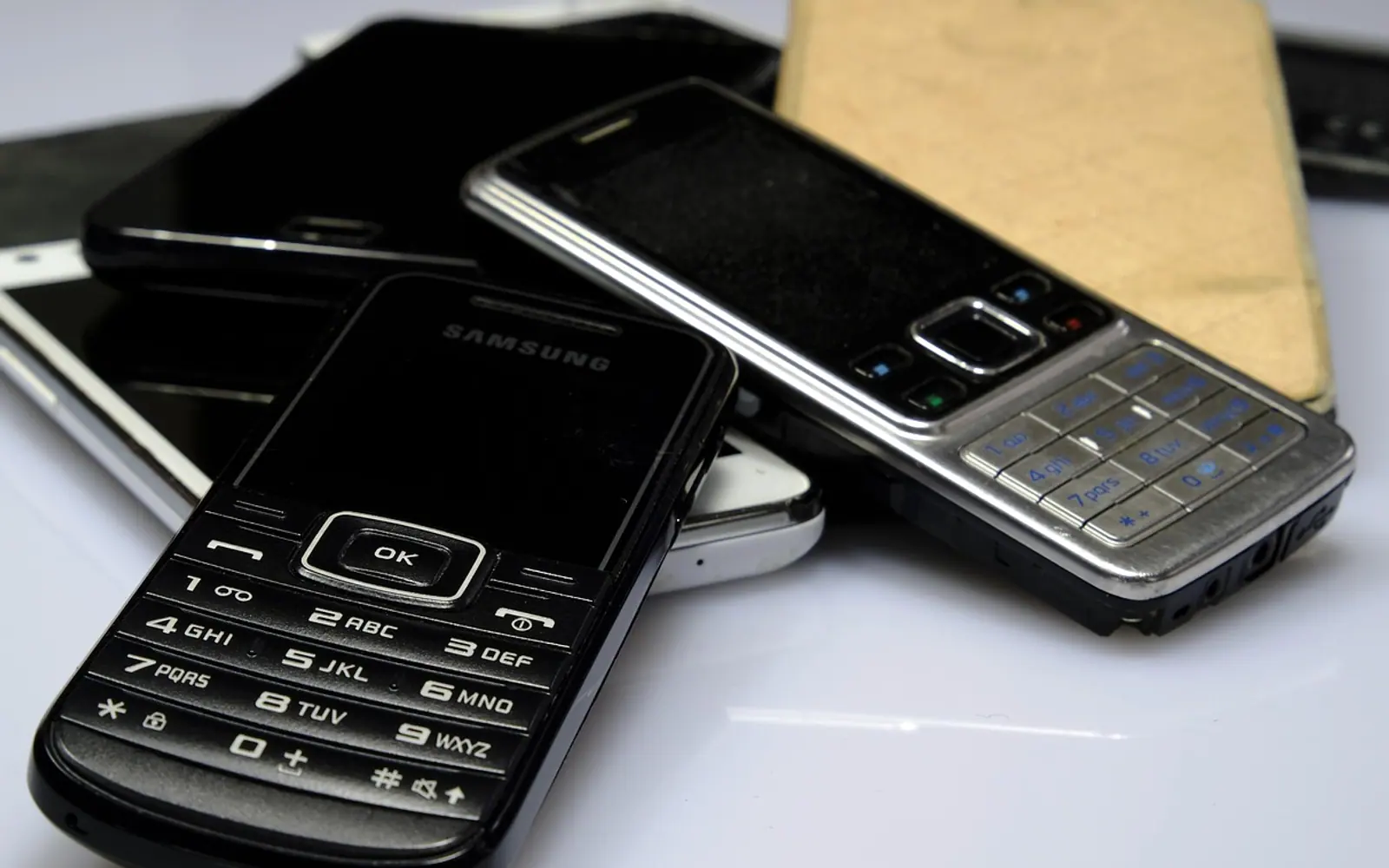
Most homes have one: a kitchen drawer or a shoebox in a cupboard holding two or three retired phones, a tablet with a cracked screen, chargers for devices nobody owns any more and a knot of cables of uncertain purpose. Each item seemed too useful to throw away on the day it was replaced. Years later the box is still there, and the question has shifted from "might I need this?" to "how do I get rid of it properly?"
The answer comes in three parts: clear your data, deal with the batteries carefully, and choose a route that actually recovers the materials. None of it takes long once the order is clear.
Why the household bin is the wrong place
Phones and other small devices contain metals worth recovering and substances that should not end up in landfill or an incinerator. Their lithium-ion batteries are the more immediate concern: if crushed or punctured in a bin lorry or at a sorting plant, they can overheat and catch fire. That is why many local authorities ask residents to keep electronics and batteries out of general waste and mixed rubbish skips altogether.
Step 1: get your data off and the device clear
An old phone is a small archive of your life: photos, messages, saved passwords, banking apps and the keys to other accounts. Before it leaves the house:
- Copy what you want to keep. Move photos and videos to a computer or cloud storage and check they open from the new location.
- Move sign-ins to your current phone. Authenticator apps, passkeys and messaging accounts should be working on the replacement before the old one is wiped.
- Sign out and switch off device locks. On an iPhone, turn off Find My and sign out of the Apple Account; on Android, remove the Google account. A phone still tied to an account can be unusable for whoever refurbishes it.
- Remove SIM and memory cards. A physical SIM card belongs to your mobile account, and a microSD card keeps its contents after a phone reset.
- Run the factory reset. On iPhone it sits under Settings, General, Transfer or Reset; on most Android phones under Settings, System, Reset options.
If some of your logins exist only on the old handset, read up on how passkeys and passwords differ so nothing is lost with the wipe. Laptops follow a longer routine with more traps; the full sequence is in our guide on how to factory reset a laptop before it changes hands.
Step 2: handle batteries with care
Batteries need a little more thought than the devices around them.
- Swollen batteries. A phone with a bulging back or a screen lifting from its frame has a damaged battery. Do not charge it, press on it or try to remove the cell; place it on a non-flammable surface away from anything that burns and take it to a drop-off point that accepts damaged batteries, asking first.
- Loose batteries. Cover the terminals of loose lithium batteries and power banks with a strip of tape so they cannot short against each other in a bag.
- Built-in batteries. Leave them where they are. Most phones are not designed to be opened at home, and recyclers have the tools to take them apart safely.
If anything smells of burning or feels hot, move it outdoors onto stone or concrete and contact your local fire service for advice rather than handling it further.
Step 3: choose a route
Which option makes sense depends on the device's age and condition. The table sets out the usual choices; availability and rules vary by country and region, so check what is offered where you live.
| Route | Suits | Worth knowing |
|---|---|---|
| Manufacturer or network trade-in | Recent phones and tablets in working order | Often gives credit towards a new device; condition is assessed on arrival |
| Retailer take-back | Small devices, chargers and cables | Many electronics shops run collection bins; some only accept items when you buy a replacement |
| Council recycling centre | Anything electrical, including broken items | Usually has separate containers for small appliances and batteries |
| Kerbside collection | Small appliances in some areas | Often needs a separate bag placed beside the bins on collection day |
| Donation or reuse charity | Working phones and laptops | Check whether the organisation wipes devices itself, and wipe yours first anyway |
Cables, chargers and the odd box of parts
Cables and chargers go to the same small-electricals container as phones. Before dropping them off, test the ones you might still need, keep one good cable per connector type, and let the rest go. Remote controls, earbuds, smart plugs and electric toothbrushes count as small electricals too, and their batteries should come out first where that is easy.
Large clear-outs are where electronics most often slip into the wrong pile. When a whole garage or cellar is emptied into a rented container, devices and batteries usually have to be kept aside, as our piece on seasonal clear-outs with a rented container points out. Businesses retiring screens face the same question on a bigger scale; anyone replacing shop or office displays can read about running digital signage displays before planning what happens to the old panels.
Common questions
Is it worth selling an old phone instead?
For a device a few years old that still works, a trade-in or private sale may return some value and keeps it in use longer, which is generally better than recycling it straight away. Very old or broken phones rarely sell, and recycling is the sensible end point.
Does a factory reset remove everything?
On modern phones with encrypted storage, a factory reset makes the old data unreadable in practice. It does not touch removable memory cards or a SIM, so take those out yourself.
What about the box and manuals?
Packaging goes in ordinary paper and card recycling. Keep the box only if you plan to sell the device, since a complete set tends to look more trustworthy to buyers.
Spotted a mistake?
A short note is enough.