AI Headshot Generators: Simple, Fast, and Impressively Realistic
AI headshot tools turn a few selfies into polished profile portraits. How they work, how to prepare your photos and when a studio shoot is better.
- Published
- Updated
- Journey
- 2 min
- Covered here
- 5 sections
- Route
- Tech
Covered here
- What the upload button actually does
- Preparing selfies that give good results
- Choosing from the batch
- Honesty and good judgement
- When a photographer still wins
A profile photo quietly carries a lot of weight. It appears beside your name on job applications, event listings, a company team page and every message sent through professional networks. For years, getting a good one meant booking a photographer, choosing an outfit and hoping the light was kind. AI headshot generators have made that far simpler: upload a set of ordinary selfies, pick a style and receive a batch of studio-style portraits.
What the upload button actually does
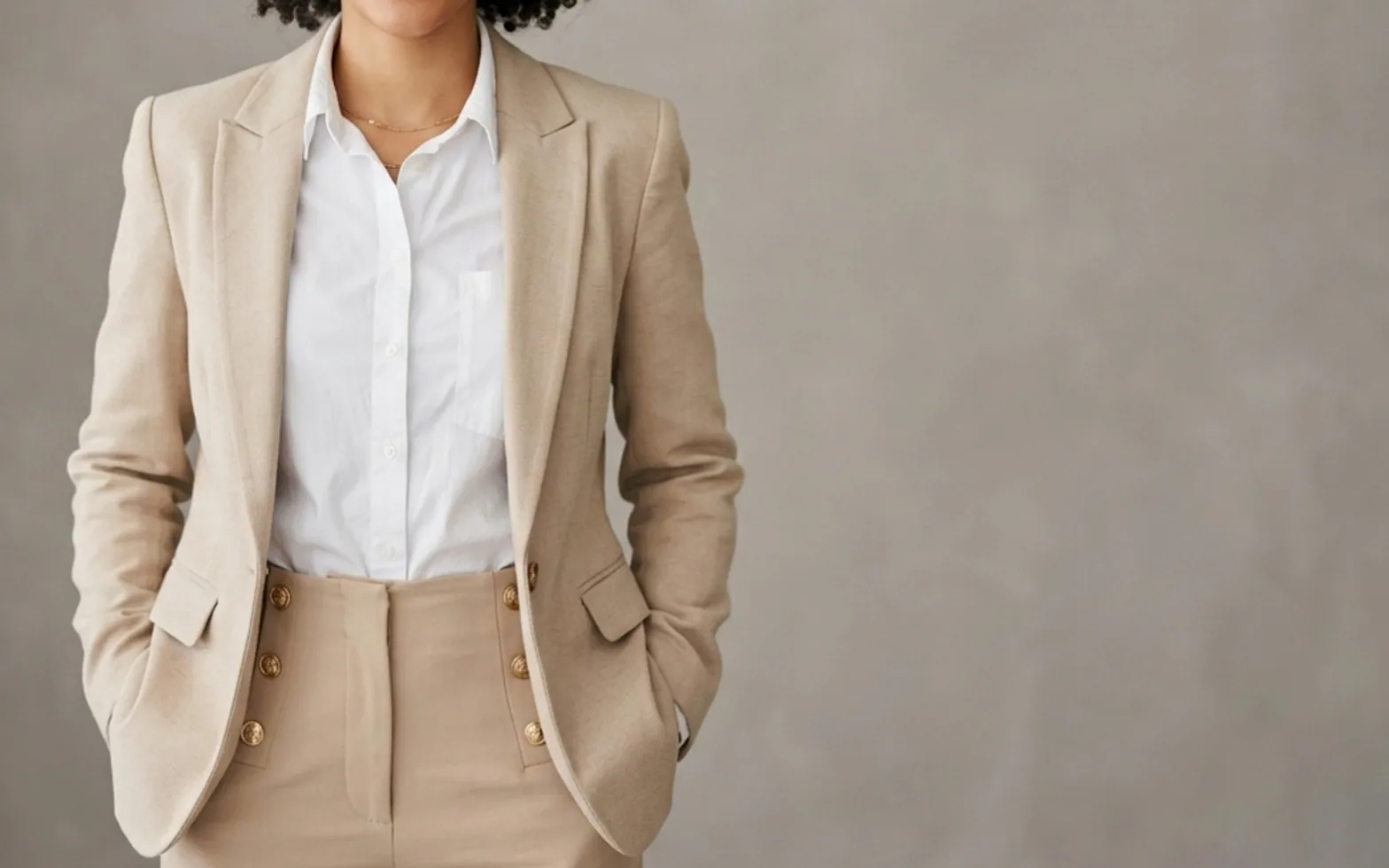
The tools tend to work in much the same way. They analyse your uploads to learn facial proportions and typical expressions, then generate new images that place that likeness in a chosen setting, such as a neutral grey backdrop, a bright office or an outdoor scene with soft blur. The better generators now handle the details that once gave AI portraits away, producing natural skin texture, believable lighting and clothing that looks tailored rather than pasted on. Comparison pages that line up several tools side by side are a quick way to see which styles and output sizes each one offers.
Preparing selfies that give good results
- Use photos taken on different days, so the model sees your face in varied light.
- Include front-facing and slightly angled shots; skip heavy filters, sunglasses and hats.
- Keep the background simple and hold the camera at eye level.
- Show your everyday hairstyle and, if you wear them daily, your glasses.
The output can only be as faithful as the input. A set of clear, well-lit selfies tends to produce portraits that colleagues instantly recognise as you.
Choosing from the batch
Generators usually return many variations, and not every one will be right. Look for images where eyes, teeth and hands look natural, where accessories match what you actually wear and where the expression feels like yours on a good day. Pick a small set with a consistent look so that profiles across different platforms match. Teams that need uniform photos for a website can apply the same backdrop and framing to everyone, which is far easier than coordinating a shoot across offices in several cities.
Honesty and good judgement
A headshot should help people recognise you when they meet you in person. Choose images that represent your real appearance rather than an idealised version, and avoid styles that noticeably change age, build or features. Check the tool's privacy policy as well: find out how long uploaded selfies are kept and whether you can delete them once the portraits have been delivered.
When a photographer still wins
For a press kit, a book jacket or a brand campaign built around one person, a human photographer brings direction, posing and a sense of character that software does not replace. For everyday professional profiles, though, AI generators have become a fast and accessible option, and many people now combine the two: a studio session for flagship images and AI portraits to keep everything else up to date.
Spotted a mistake?
A short note is enough.